The Foundation of Your Digital Identity: Step-by-Step Guide to Buying a Domain Name — post content
The Foundation of Your Digital Identity: How to Buy a Domain Name Step by Step
Starting a new blog, setting up an e-commerce site, or creating a professional website for your brand... The first and most critical step in your journey to building a presence in the digital world is undoubtedly choosing the right domain (domain name). If you are new to this world, terms like "domain," "IP address," "DNS" may initially seem technical and complex. But don't worry, all these processes are actually based on a fairly simple logic and can be easily managed with the right guide.
A domain is simply your website's address on the internet. Just as your home or workplace has a physical address, your website also needs a unique address so people can find you. This address is the cornerstone of your digital identity; it creates the first impression of your brand, determines your memorability, and even affects your visibility in search engines. In this comprehensive guide, we will take a step-by-step approach starting from what the concept of a domain is, its types, costs, how to choose the perfect domain name, and most importantly, how to securely purchase the domain of your dreams. If you're ready, let's lay the foundation of your digital identity together.
What is a Domain (Domain Name)? How Does the Internet's Address Book Work?
Every computer connected to the internet and every website has an identification number that makes it unique on the network. Just like phone numbers, these identification numbers are called IP Addresses (Internet Protocol Addresses). An IP address typically consists of a series of numbers separated by dots and looks like: 125.27.33.137
Now imagine for a moment that you had to memorize such a sequence of numbers every time you wanted to visit your favorite website. That would be almost impossible, right? Domains exist precisely to solve this problem.
A Domain (Domain Name) is a system that translates these complex IP addresses into meaningful names that are easy for people to remember and type. This translation process takes place thanks to a global structure called the Domain Name System (DNS), which we can think of as the internet's massive phone book.
When you type www.google.com into your browser's address bar, the following actually happens in the background:
- Your browser asks a DNS server, "What is the IP address of www.google.com?"
- The DNS server looks at its records and finds the IP address corresponding to this domain name.
- It sends this IP address back to your browser.
- Your browser, now knowing the correct address, connects to the server at that IP address and requests the website's data.
- The server sends the site data to your browser, and you see Google's homepage.
This entire complex process takes place in seconds, in the blink of an eye. In short, a domain is your website's human-friendly, memorable, and brandable address.
What Are the Types of Domains? Anatomy of a Domain Name
To make the right choice, you first need to understand the two main parts that make up a domain name: Second-Level Domain (SLD) and Top-Level Domain (TLD).
1. Second-Level Domains (SLDs)
The SLD is the most unique and most memorable part of a domain name. It is generally the part that reflects your brand name or the topic of your website. For example, in the domain name google.com, "google" is the SLD. In another example, in the address websitem.net, "websitem" is the SLD. This is the area where you will let your creativity and brand identity speak. It can contain letters, numbers, and in some cases hyphens (-), but the most effective SLDs are usually short, easy to spell, and memorable.
2. Top-Level Domains (TLDs)
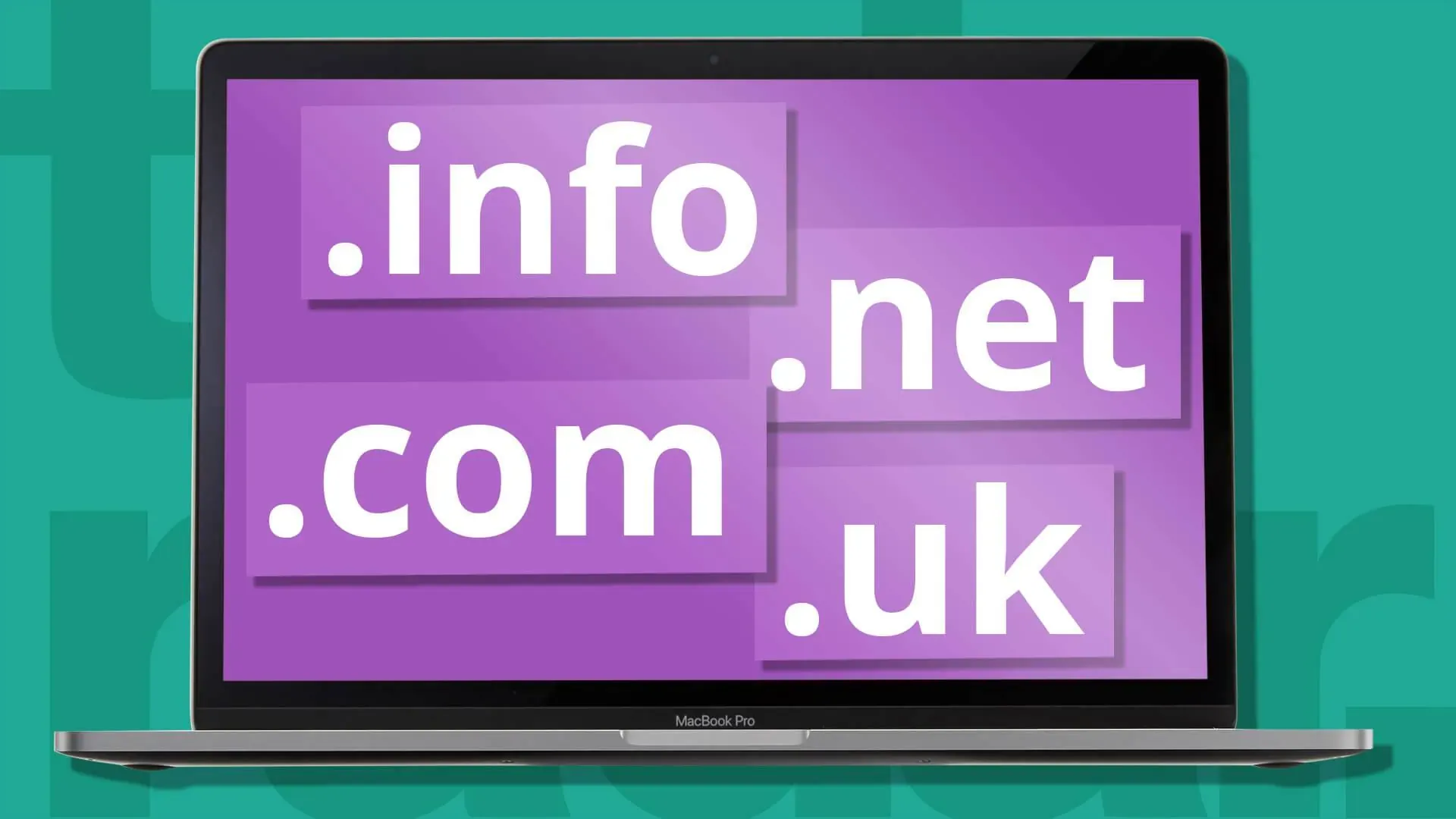
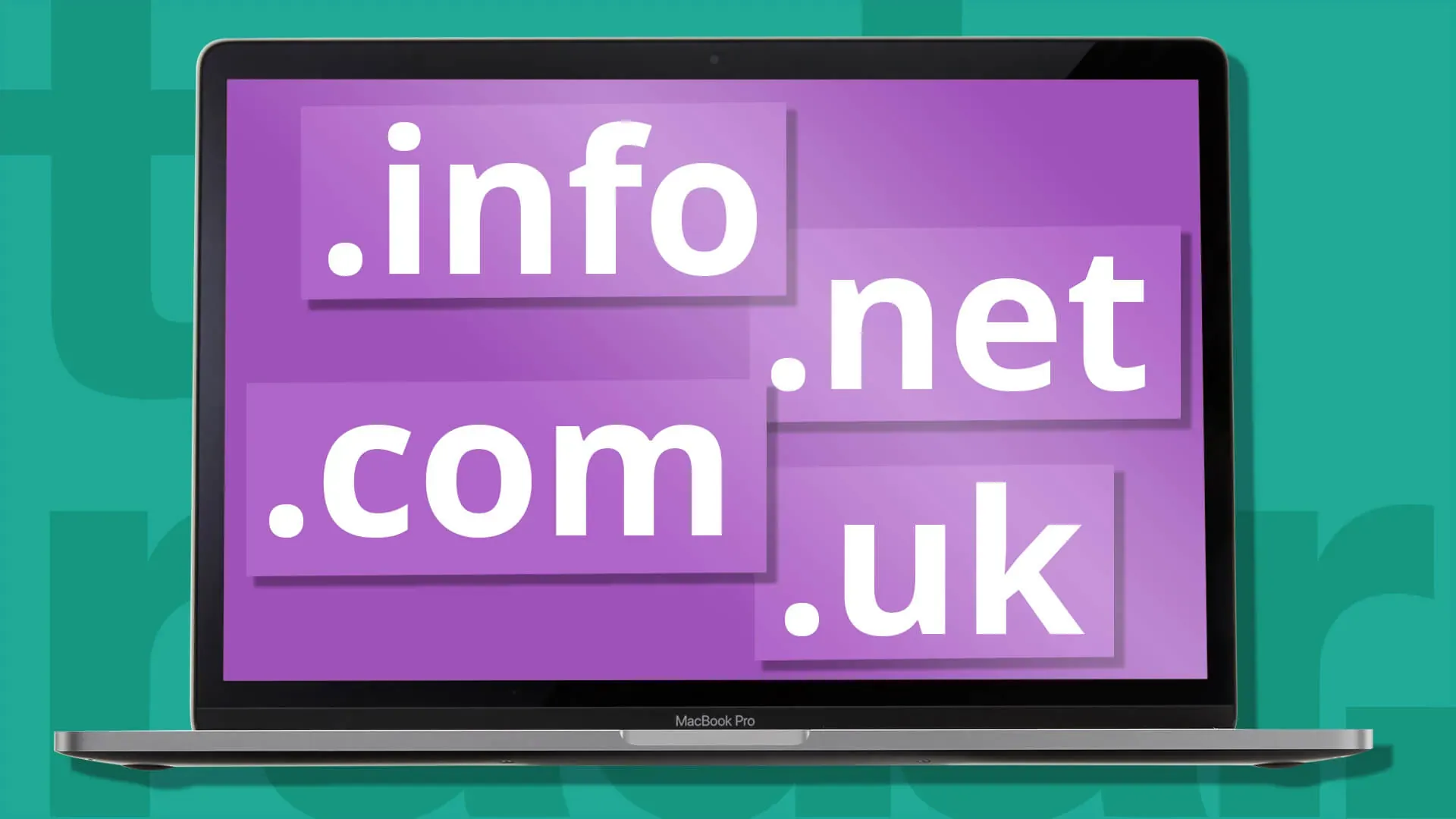
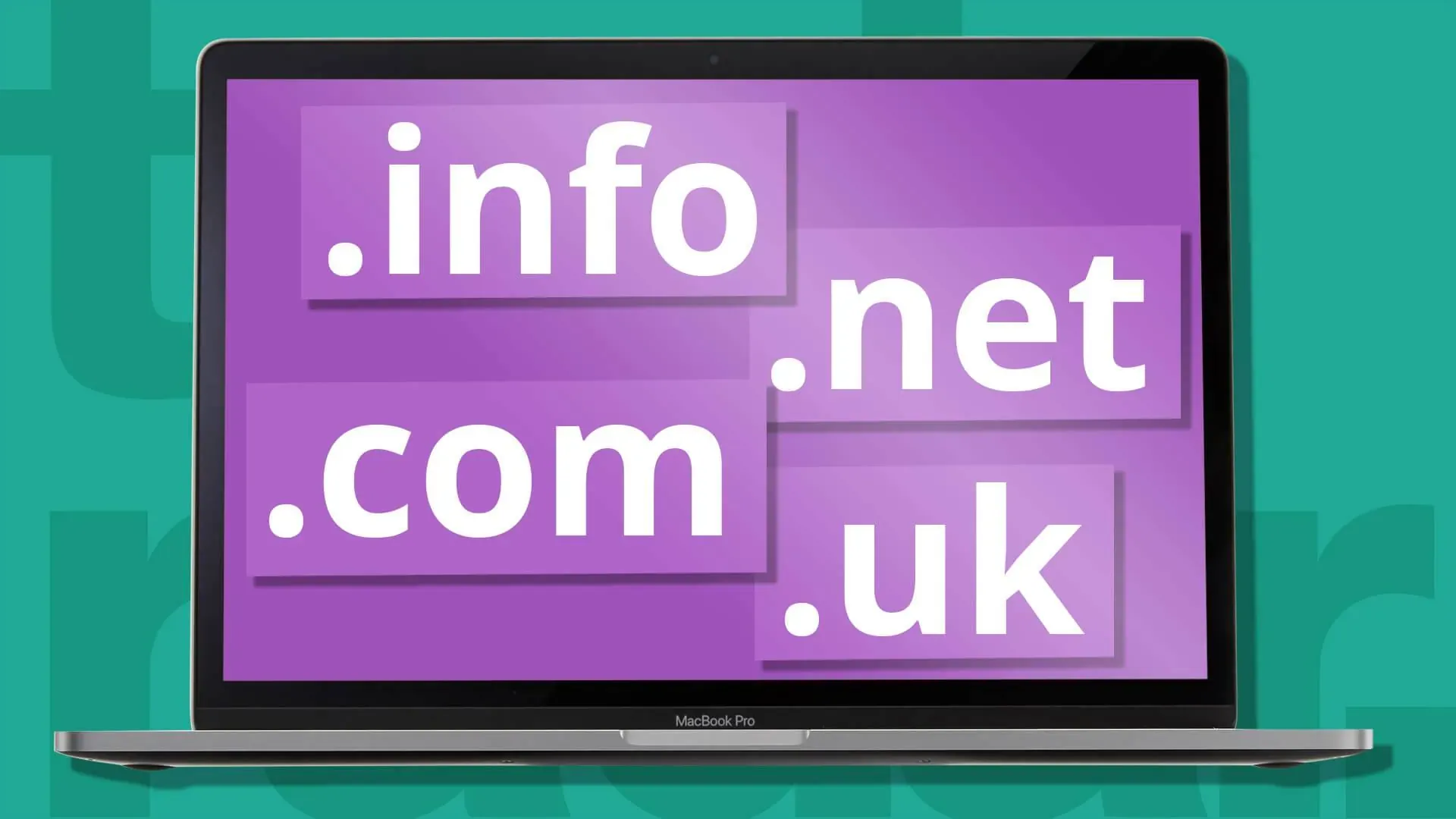
A TLD, more commonly known as a domain extension, is the part to the far right of your domain name, after the dot. These extensions provide clues about the purpose of your website, its geographical location, or the category it belongs to. Although there are hundreds of different TLDs, the most popular and well-known ones are:
- .com (Commercial): Short for "Commercial." Although it was initially designed for commercial businesses, today it is the most popular and most preferred extension globally.
- .net (Network): Short for "Network." Created for technology and network infrastructure companies, but over time it has become a popular alternative to .com.
- .org (Organization): Short for "Organization." It is generally preferred by non-profit organizations, associations, foundations, and open source projects.
- .edu (Education): Short for "Education" and can only be used by accredited educational institutions (universities, colleges).
- .gov (Government): Short for "Government" and can only be used by government institutions.
In addition, there are also country code TLDs (ccTLDs). For example, .tr for Turkey, .de for Germany, .uk for the United Kingdom. Also, in recent years, hundreds of new and niche TLDs such as .istanbul, .blog, .shop, .app have been made available.
How to Choose the Perfect Domain Name? 5 Golden Rules
Your domain name is the foundation of your digital presence, and this decision can directly affect your future success. Although millions of domain names have already been taken, with the right strategy and a little creativity, you can find the perfect name for your brand.
1. Be Creative and Brandable
Instead of a domain name composed of generic keywords (e.g., cheapestshoes.com), it is much more valuable to choose a unique, memorable name that will be identified with your brand. Think: Amazon, Trendyol, Hepsiburada... These names initially had no meaning, but over time they transformed into powerful brands. A short, rhythmic, and easy-to-pronounce name makes it easier for people to remember you and recommend you.
2. Stick to .com If Possible
Although there are hundreds of new and cool extensions, the kingdom still belongs to .com. The vast majority of internet users instinctively tend to add .com to the end when searching for a website. This makes .com the most reliable, most professional, and most memorable extension. If your target name is taken with the .com extension, you can consider popular alternatives such as .net or .org. However, avoiding niche extensions (.pizza, .ninja, etc.) is generally the safer route, unless your brand is specifically related to that niche.
3. Be Short, Simple, and Easy to Spell
When it comes to domain name length, the rule is simple: shorter is better. An ideal domain name should be between 6 and 14 characters. Short names are easier to remember, less likely to be misspelled, and look more elegant in marketing materials (business cards, social media profiles, etc.). Search engines like Google generally also prefer short and clear domain names.
4. Avoid Numbers and Hyphens
Using numbers or hyphens in your domain name often causes confusion. When you say your domain name verbally to someone, you are likely to encounter questions like "With a number or written out?" or "Was there a hyphen?" This can cause you to lose potential visitors. For example, is it super2site.com or supersite2.com? To avoid this ambiguity, try to use only letters.
5. Check for Trademark Infringement
This is one of the most critical but most overlooked steps. Before purchasing a domain name you like, be sure to check whether that name is a registered trademark of another company. Unknowingly infringing on a trademark can lead to legal issues that could be costly to you in the future and cause you to lose your domain name. You can eliminate this risk by doing a quick search on the website of the Turkish Patent and Trademark Office or international trademark databases.
How Much Do Domains Cost?
The cost of a domain name primarily varies according to the extension (TLD) you choose. The most popular extension, .com, generally has a price between $10-20 per year. Other popular extensions such as .net and .org are also in similar price ranges. However, newer and technology-focused extensions such as .io, .ai, or premium extensions such as .luxury, .gold can be much more expensive. You can usually register your domain name for a period of 1 to 10 years. The longer the period, the lower the annual cost generally. The most important point not to forget is to also check the renewal fees in addition to the promotional prices offered for the first year. Some companies may offer a very low price for the first year but charge a much higher renewal fee in subsequent years.
How to Buy a Domain? 3-Step Simple Process
You've found your perfect domain name, done all the checks, and are now ready to register it. Here are the steps you need to follow:
Step 1: Choose a Reliable Domain Name Registrar
Domain names are managed by a non-profit global organization called ICANN (Internet Corporation for Assigned Names and Numbers). However, we don't buy domain names directly from ICANN. Instead, we register them through domain name registrars authorized by ICANN to do this. There are many companies in Turkey and around the world offering this service. Things to pay attention to when choosing a reliable registrar:
- ICANN Accreditation: The company being accredited by ICANN is an indicator of its reliability.
- Transparent Pricing: In addition to the low prices offered for the first year, make sure renewal fees are also reasonable and clearly stated.
- Additional Services: Prefer companies that offer additional services such as free WHOIS privacy (hides your contact information), DNS management, and free forwarding.
- User-Friendly Panel and Support: It is important that they offer a control panel where you can easily manage your domain and good technical support that you can reach when you have a problem.
Step 2: Check the Availability of Your Domain (Domain Search)
Go to the website of your chosen registrar and use the "Domain Search" tool on the main page. When you type your desired domain name and search, the system will show you within seconds whether this domain has already been taken and which extensions are available.
Step 3: Buy Your Domain and Complete the Registration
If your dream domain is available, congratulations! Now you can add it to your cart and start the purchase process. At this stage:
- Choose the Registration Period: You can usually register your domain name for a period of 1 to 10 years.
- Evaluate Additional Services: The registrar will usually also offer you additional services such as hosting, email, or website builder. If you need them, you can also add these to your cart.
- Enter Your Contact Information: ICANN rules require the person (or institution) registering the domain to provide accurate contact information (name, address, email, phone). Don't forget to activate WHOIS protection to keep this information private.
- Complete the Payment: In the last step, you complete the purchase by making your payment.
After the purchase is complete, you will usually receive a verification email. After verifying your registration by clicking the link in this email, the domain name is completely yours, and you can start setting up your website by directing it to a hosting account. That's it! You are now the owner of your digital identity and have taken the first step into your adventure in the online world.
Images from the article



![8 Best Security Plugins to Protect Your WordPress Sites [2026 Updated]](https://dogucanguler.com/storage/blog/wp/2025/03/WordPress-Sitelerinizi-Koruyacak-8-En-Iyi-Guvenlik-Eklentisi-2025-Guncel.webp)
![Best SEO Plugins and Tools for WordPress [2026 Updated]](https://dogucanguler.com/storage/blog/wp/2025/03/WordPress-icin-En-Iyi-SEO-Eklentileri-ve-Araclari-2025-Guncel.webp)


