![The 15 Best Free Support and Chat Plugins for WordPress [2026]](https://dogucanguler.com/storage/blog/wp/2020/04/jivochat-dogucangulercom.webp)
The 15 Best Free Support and Chat Plugins for WordPress [2026] — post content
Convert Your Visitors into Customers: The Top 15 Free WordPress Support and Chat Plugins of 2025
While the expectations of internet users are increasing every day, one of the most important priorities for website owners has become to provide their visitors with fast, effective, and trust-inspiring support. Especially for websites using the WordPress infrastructure, live chat and support plugins that enable direct interaction with the user have settled at the heart of the digital experience. Now, just offering a good product or service is not enough; what really matters is that your visitor can get an immediate response when they have a question, can quickly find a solution when they have a problem, and feel valued.
Live support not only increases customer satisfaction but is also one of the most powerful tools that directly affects sales. If a visitor can easily ask a question that comes to mind while browsing your site through the chat window and get a response from a real person within seconds, this positive experience has the potential to turn them from a hesitant visitor into a loyal customer. So, which tools should WordPress users prefer to build this critical communication bridge?
The good news is that the WordPress ecosystem is incredibly rich in this area. There are many free support and chat plugins on the market, most of which are advanced enough to meet professional needs. These plugins not only offer instant messaging; they are equipped with advanced features such as chatbot integrations, automatic response systems, help desk (ticket) systems, multi-channel communication management, and advanced analytics. As of 2025, AI-powered bots, mobile-first designs, and social media integrations form the biggest trends in this area. Considering these developments, we have compiled the top 15 free solutions, both powerful and budget-friendly, that you can prefer for your WordPress site. Here are those plugins that will strengthen the bond between you and your visitors...
The Best Live Chat Plugins (All-in-One Solutions)
The plugins in this category are powerful platforms that allow you to manage not only live chat but also channels such as CRM, social media, and email from a single panel.
1. JivoChat
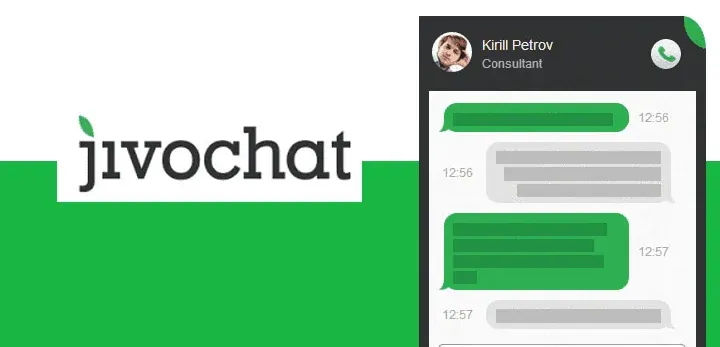
JivoChat is a highly popular and versatile solution that positions itself as a "business messenger." Its main goal is to enable you to communicate with your customers wherever they are (your website, Facebook, Instagram, WhatsApp, email) through a single application. Its free plan offers quite generous features for small and medium-sized businesses.
Featured Highlights:
- Multi-Channel Communication: Combines website live chat, social media messages, and emails in a single inbox.
- Smart Triggers: You can proactively open chat windows based on visitor behavior (for example, when they spend 30 seconds on a specific page) to start the interaction.
- Comprehensive Mobile and Desktop Apps: Allows you to instantly respond to your customers from anywhere and from any device.
- High Degree of Customization: You can completely change the colors, texts, and design of the chat window to match your brand. Offers support for more than 20 languages.
2. LiveChat
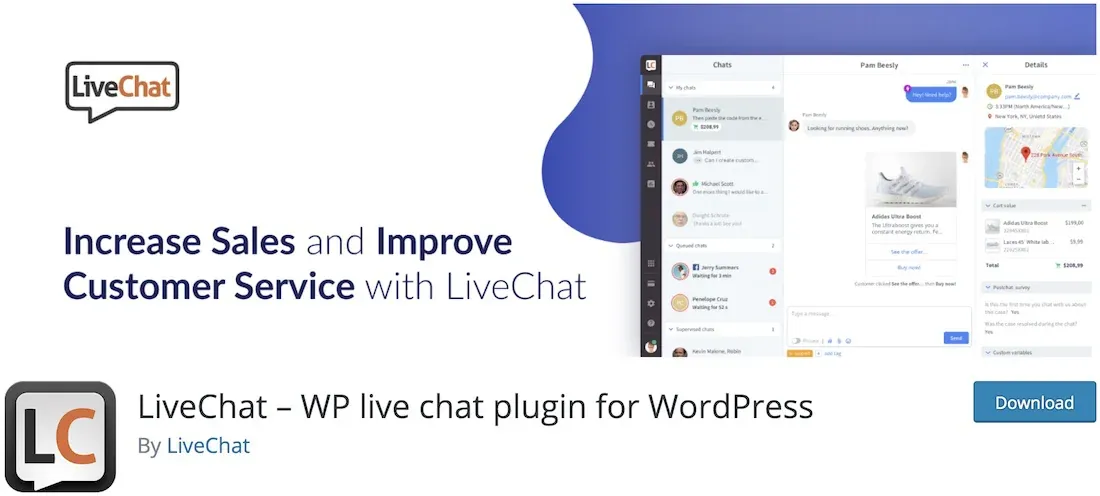
LiveChat is one of the most established and professional live support software on the market. Although it is generally known as a paid solution, it offers a sufficient starter plan and trial period for basic needs. With its sleek interface, advanced reporting features, and more than 200 integrations, it is especially ideal for growing businesses and e-commerce sites.
Featured Highlights:
- Visitor Tracking: You can track visitors on your site in real time, see which page they are on, and reach them proactively.
- Ticket System: When you are offline or a problem cannot be resolved instantly, user requests turn into support tickets, so no request is lost.
- Feedback and Reporting: You can measure customer satisfaction at the end of each chat, and analyze representative performance and chat statistics with detailed reports.
- Multilingual Support: Available in more than 45 languages, making it perfect for sites addressing global audiences.
3. Zendesk Chat (Formerly Zopim)

Zendesk Chat, which started as Zopim and was acquired by the giant customer service platform Zendesk, is one of the most reliable and user-friendly tools in the industry. Its free plan offers unlimited chat for a single representative and is a great starting point for small businesses or individual blogs. Its installation is extremely simple, and it stands out with its powerful analytics features.
Featured Highlights:
- Automatic Triggers: Automatically opens a chat window when certain conditions are met (for example, a visitor who adds products to the cart but doesn't pay).
- Integrated Analytics: Provides an understandable analytics panel where you can track visitor behavior, chat flow, and representative performance.
- Mobile Compatibility: Thanks to its fully responsive design, the chat window works flawlessly on mobile devices.
- Wide Integration Network: Seamlessly integrates with Zendesk's other products (Help Desk, CRM, etc.).
4. Formilla Live Chat
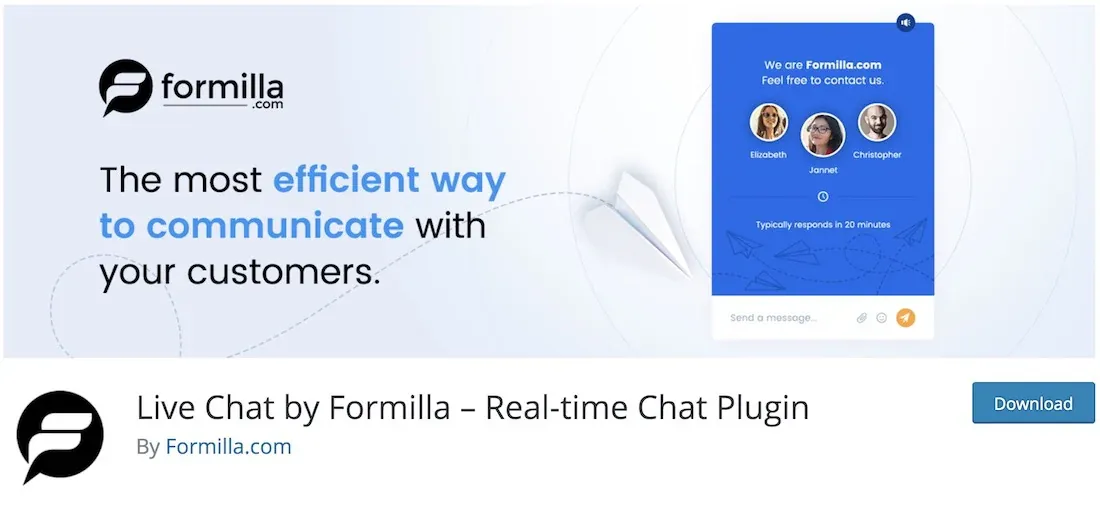
Formilla is a modern platform that offers both live chat and AI-powered "Helper Bot" features together. Although its free plan is limited to 30 chats per month and one bot, it is ideal for trying out how the system works and for low-traffic sites to make a sufficient start. It offers advanced features especially for e-commerce sites.
Featured Highlights:
- AI-Powered Chatbot: Lightens your support team's load by automatically responding to frequently asked questions.
- Real-Time Visitor Tracking: You can monitor live which steps your visitors are taking on your site.
- Canned Responses: You can create pre-prepared answers for frequently asked questions to reduce response time.
- WooCommerce Integration: Offers features specifically developed for e-commerce sites.
Social Media-Focused Chat Solutions
These plugins allow you to integrate popular messaging platforms already used by millions of people directly into your website.
5. WP-Chatbot for Facebook Messenger
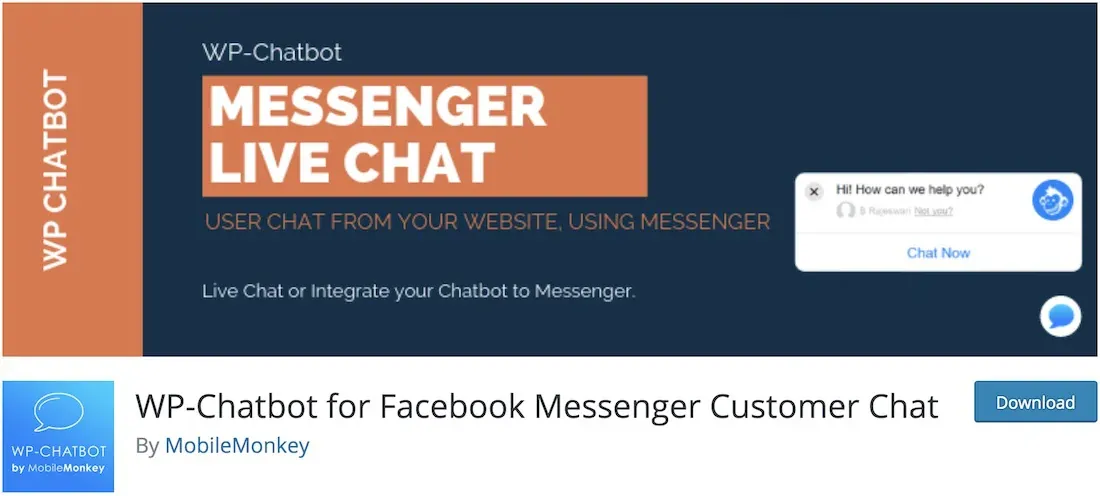
Billions of people already use Facebook Messenger. This plugin allows you to bring this power directly to your website. Visitors can instantly start chatting with you through their own Facebook accounts, without the need to create a new account or get used to a foreign interface. This is an extremely practical solution that removes the obstacles to communication.
Featured Highlights:
- Single Inbox: Manage all messages from both your site and your Facebook page from a single place.
- Zero Barriers: Users do not need to create a new account, which increases the engagement rate.
- Chatbot Integration: You can automate the support process by easily integrating with third-party Facebook chatbot services such as ManyChat.
- Brand Consistency: Greeting message, colors, and more are customizable.
6. Click to Chat for WhatsApp

WhatsApp is the most popular instant messaging application in the world. The Click to Chat plugin allows your visitors to start a WhatsApp chat with you directly with a single click by adding a WhatsApp button to your site. This is an extremely fast and effective method of communication, especially for mobile users.
Featured Highlights:
- Highly Customizable: Offers eight different styles, animations, and the option to use your own image or GIF.
- Pre-Filled Messages: You can set up a greeting message that will be automatically sent when the user starts the chat.
- Group Chat Routing: You can also direct users to a WhatsApp group instead of a one-on-one chat.
- WooCommerce Compatibility: Ideal for adding buttons such as "Ask on WhatsApp" to product pages.
Comprehensive Help Desk and Ticket Systems
For more complex support requests that require follow-up and where live chat is not enough, these plugins are lifesavers.
7. SupportCandy
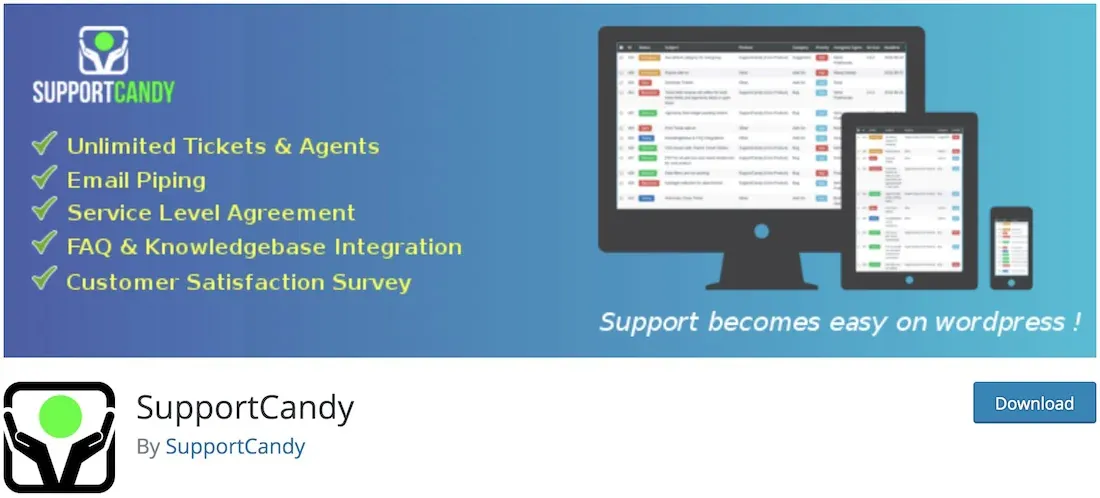
SupportCandy is an incredibly powerful and completely free help desk and ticket system developed for WordPress. Despite being free, the unlimited tickets, unlimited representatives, and advanced features it offers make many paid alternatives pale in comparison. Installation is simple, and it allows you to manage user support requests in an organized manner.
Featured Highlights:
- Unlimited Tickets and Representatives: You can receive as many support requests as you want without any restrictions, and add as many members to your team as you wish.
- Guest Tickets: Users do not need to register on your site to create a support request.
- Custom Fields and Forms: You can add custom fields to your support request form to collect the information you need.
- GDPR Compliant: Fully compliant with European Union data protection laws.
8. Help Scout
Help Scout works with an "invisible" help desk philosophy. Your customers feel as if they are simply sending you a normal email, instead of a complex ticket portal. However, in the background, all these emails fall into Help Scout's organized panel. In this panel, you can assign requests to team members, add private notes, and see all customer history in one place.
Featured Highlights:
- Personal Communication Feel: The experience for your customers is like a personal email exchange.
- Shared Inbox: All support requests are gathered in a centralized inbox where your team can work together.
- Knowledge Base: You can enable customers to solve their own problems by creating a help center for frequently asked questions.
- Detailed Reporting: You can get reports on team productivity, customer satisfaction, and the most frequently encountered problems.
9. JS Support Ticket
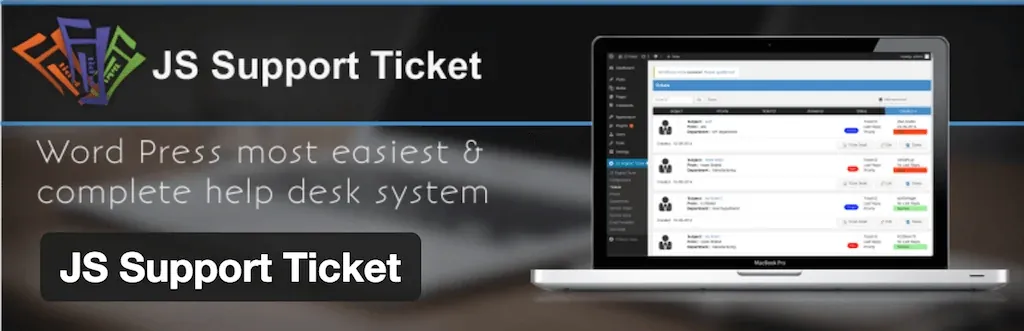
JS Support Ticket is a modern and flexible Bootstrap-based ticket system. It allows users to easily create support requests from your site's front end. Thanks to the feature of creating different departments, you can automatically route incoming requests (for example, "Technical Support," "Sales," "Billing") to the relevant units.
Featured Highlights:
- Front-End Ticket Creation: Allows users to open a request directly through your site, without entering the admin panel.
- Department Management: Easily assign incoming tickets to relevant teams.
- File Attachments: Users can attach files such as screenshots to their requests to better explain their problems.
- Email Notifications: Both users and representatives are notified by email of every change in ticket status.
Simple and Lightweight Live Chat Alternatives
For those who don't need advanced features and just want basic live chat functionality, these plugins are ideal.
- WP-LiveChat: A popular plugin developed specifically for WordPress, with both free and paid versions. The free version is sufficient for basic live chat needs.
- onWebChat: This plugin, which is extremely simple to install and use, allows you to quickly add a live chat box to your site. You can customize its appearance to match your brand.
- Chat X: A premium plugin that stands out with its sleek and modern design, but offers a sufficient starter plan for basic functions.
- Provide Support Live Chat: A reliable and classic live chat solution that has been on the market for a long time. It has a simple but functional structure.
- AH Tickets: A simple and lightweight premium plugin developed for those looking for a very basic ticket system.
- WP Support Plus: Once popular but with slowing updates, this plugin can still be an alternative for basic ticket system needs.
BONUS: Kommo

Kommo is not just a chat plugin, but also a fully-fledged CRM (Customer Relationship Management) platform. It records every chat you have with your visitors as a potential lead in your CRM system and allows you to track every stage of your sales process. By combining live chat, social media integrations, and chatbots in a single central panel, it makes your support and sales processes more efficient.
Conclusion: Choosing the Right Tool Is the Key to Success
As you can see, you don't need to spend a fortune to add a support or chat system to your WordPress site. Whether you want a simple live chat box or a complex help desk that manages all your communication channels, there is definitely a free solution suited to your needs. When choosing the right plugin, consider your site's traffic, the size of your team, and your customers' expectations. Remember, this communication bridge you'll build will not only solve problems, but will also turn your visitors into loyal customers and your customers into the biggest advocates of your brand.


![8 Best Security Plugins to Protect Your WordPress Sites [2026 Updated]](https://dogucanguler.com/storage/blog/wp/2025/03/WordPress-Sitelerinizi-Koruyacak-8-En-Iyi-Guvenlik-Eklentisi-2025-Guncel.webp)
![Best SEO Plugins and Tools for WordPress [2026 Updated]](https://dogucanguler.com/storage/blog/wp/2025/03/WordPress-icin-En-Iyi-SEO-Eklentileri-ve-Araclari-2025-Guncel.webp)


